MetaTrader 5 review: should an MT4 trader finally make the switch?
MT5 has more timeframes, a faster tester and a proper depth-of-market window, but your old MQL4 robots will not run on it. We list what you gain, what you lose and who should stay put.
8.0/10
MetaTrader 5 is the better platform on paper: 21 timeframes, 38 indicators, six pending order types, a multi-threaded tester and depth of market. The switch is only painless if you trade by hand or run robots you can rebuild. If your income depends on a library of MQL4 expert advisors, staying on MT4 is the rational choice for now.
Best for
Discretionary and multi-asset traders whose broker offers hedging on MT5
21 timeframes and 38 built-in indicators against 9 and 30 on MT4
Six pending order types and a native depth of market window
Multi-threaded, multi-currency strategy tester using real ticks
Free to download, with desktop, web, Android and iOS versions
What does not
MQL4 robots and custom indicators do not run without a rewrite
Netting is the default position model, which surprises MT4 users
Broker choice decides hedging, spreads and symbol names, not MetaQuotes
Interface is denser than MT4 and takes a week to feel natural
Specs
Maker
MetaQuotes Ltd
Price
Free through brokers
Timeframes
21
Built-in indicators
38
Analytical objects
44
Pending order types
6
Position accounting
Netting and hedging
Programming language
MQL5 (MetaEditor built in)
Platforms
Windows, web, Android, iOS
MetaTrader 5 does not cost anything, so the question is never "is it worth the money". The real price of the move is time: rebuilding indicators, retesting robots and unlearning a few habits. We set out to work out whether that time buys you anything, and for whom.
Nobody sells you MT5, your broker does
MetaQuotes licenses the platform to brokers, and the download is free to you. That single fact shapes every other part of this review. Spreads, commission, execution and even the symbol names come from the broker, not from MetaTrader. When a trader says MT5 "slipped" or "requoted", they are describing a broker.
The other fact that matters: MetaQuotes stopped issuing new sales licences for MT4 in 2018, and MT5 passed MT4 in broker count during June 2021. New brokers launch on MT5. Existing MT4 servers will keep running, but the direction of travel is not in doubt.
What you gain on the chart
MetaQuotes publishes a side-by-side table. MT5 offers 21 timeframes to MT4's 9, 38 built-in indicators to 30, and 44 analytical objects to 31. It also adds six pending order types where MT4 has four, and a depth of market window that MT4 lacks.
Those numbers are easy to wave away until you use them. The extra timeframes include the two-, three-, four- and six-hour charts that day traders on gold and indices keep asking for. An economic calendar sits inside the terminal. Up to 100 charts can be open at once.
metatrader5.com
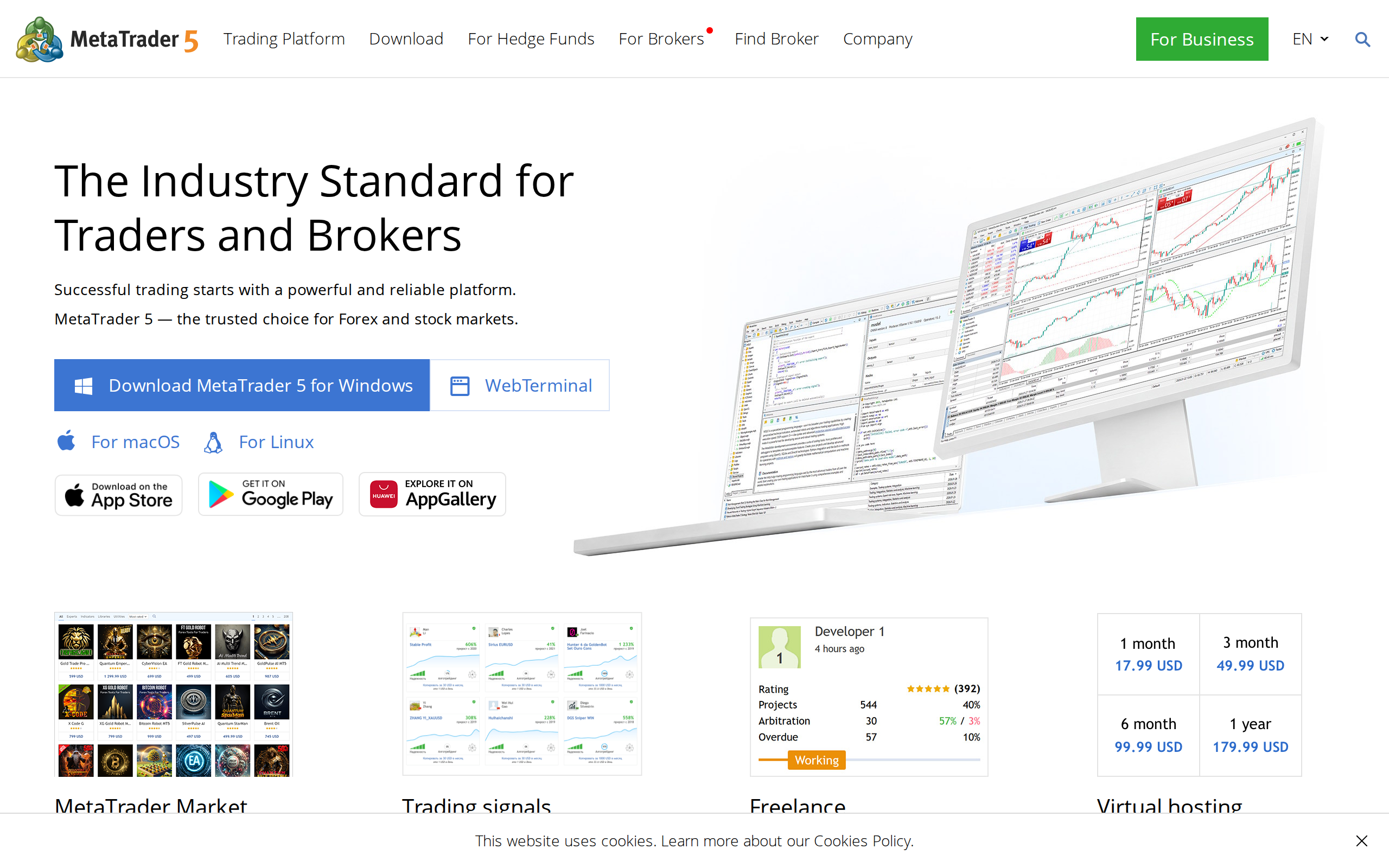
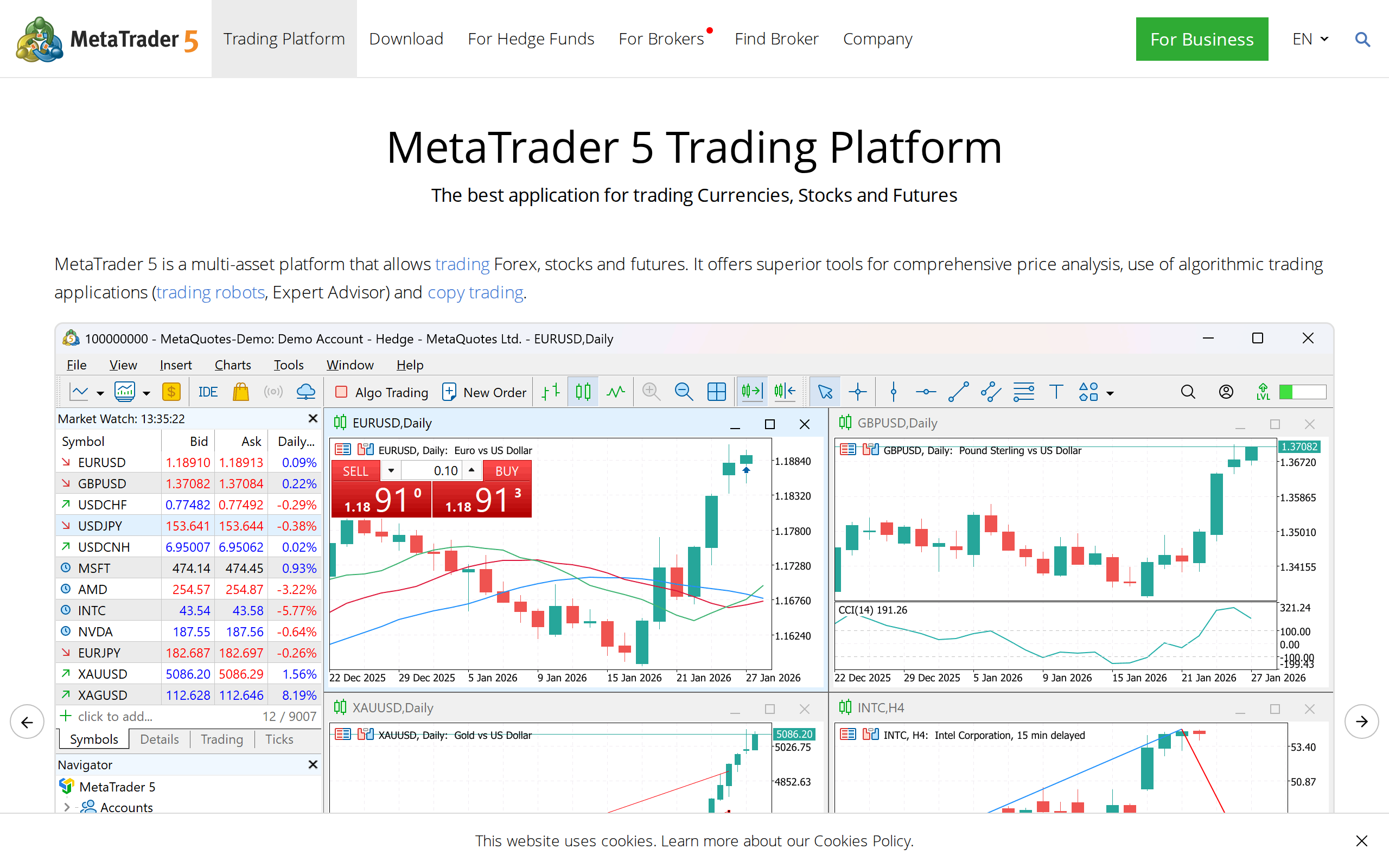
MetaQuotes' platform page: the multi-asset pitch, with hedging and netting described side by side.
Hedging, netting and the trap for MT4 veterans
This is where switchers get hurt. MT4 only ever hedged: buy and sell the same symbol and you hold two positions. MT5 supports both netting and hedging, but the account type is set by the broker. On a netting account, a sell against an open buy of equal size closes it, and there is no second position to manage.
Check before you fund anything. Brokers offering MT5 are not obliged to enable hedging. Open a demo with the broker you plan to use, place a buy and a sell on one symbol, and see how many lines appear in the Trade tab. If the answer is one and your strategy needs two, the switch fails at step one.
The tester is the strongest reason to move
The MT5 strategy tester is multi-threaded, handles several currencies in one run and can replay real ticks. The MT4 tester runs on a single thread with generated ticks. If you have ever trusted a 90% modelling-quality report and then watched a robot lose live, you know why that matters.
There is a flip side. Real-tick tests are more honest, and honest tests are often less flattering. A scalping robot that looked wonderful in MT4 can look ordinary in MT5, which is a feature, not a bug.
The cost: your MQL4 library
MQL5 is object-oriented and close to C++. MQL4 is simpler and procedural. Files written in one do not run in the other. Some popular indicators exist in both versions, many do not, and a robot you bought years ago may have been abandoned by its author.
MetaQuotes lists 2,500-plus ready-made applications in the built-in Market, so the MT5 catalogue is no longer thin. Still, the third-party MT4 catalogue is older and deeper, and that gap is why a large share of retail traders have not left.
metatrader5.com
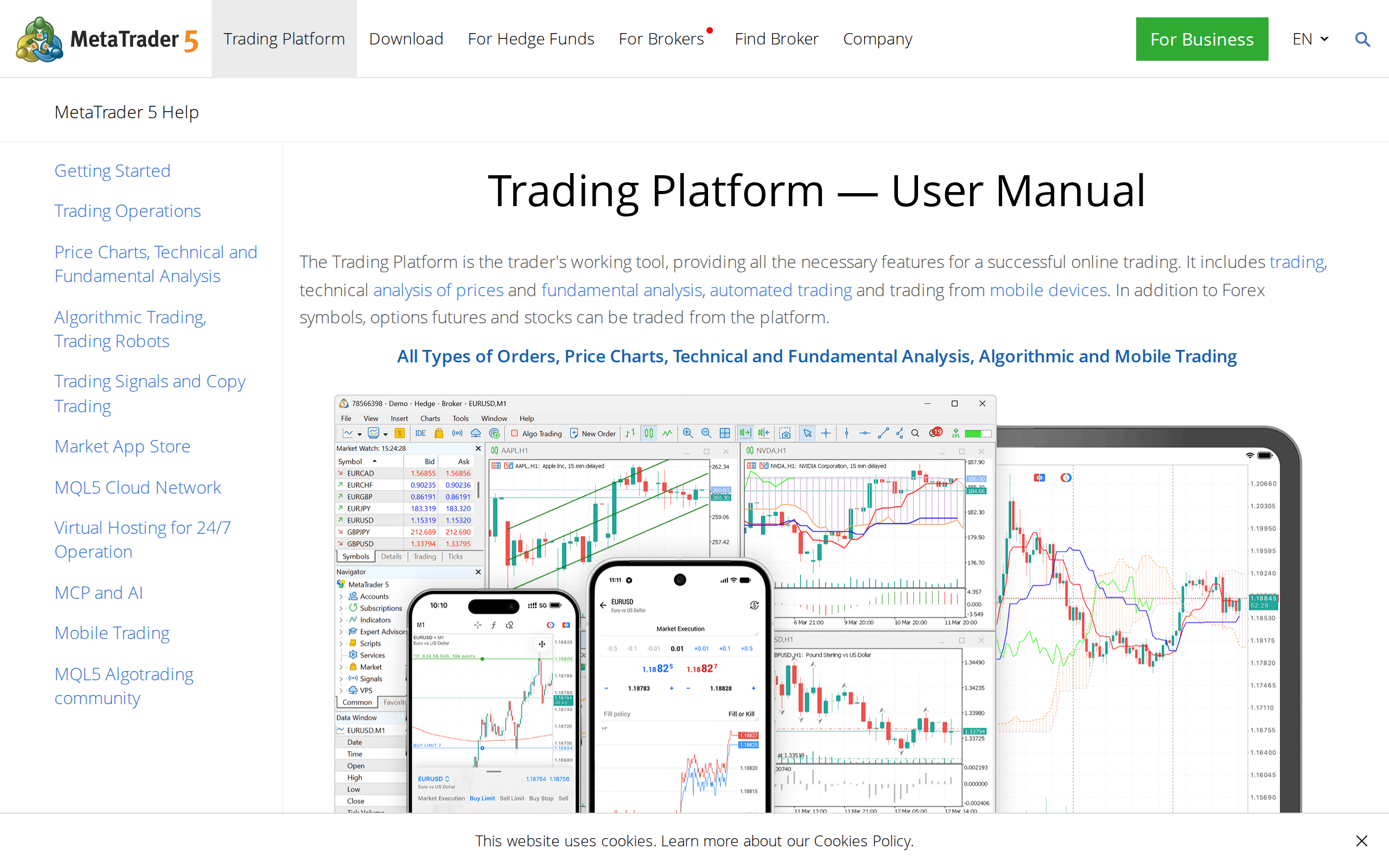
The MetaTrader 5 user manual. The documentation is thorough, and it is where you learn MQL5 differences.
Getting started
The download page offers desktop, phone, tablet and web versions. Web trading is fine for checking positions from a borrowed computer. We would not run a serious session on it.
metatrader5.com
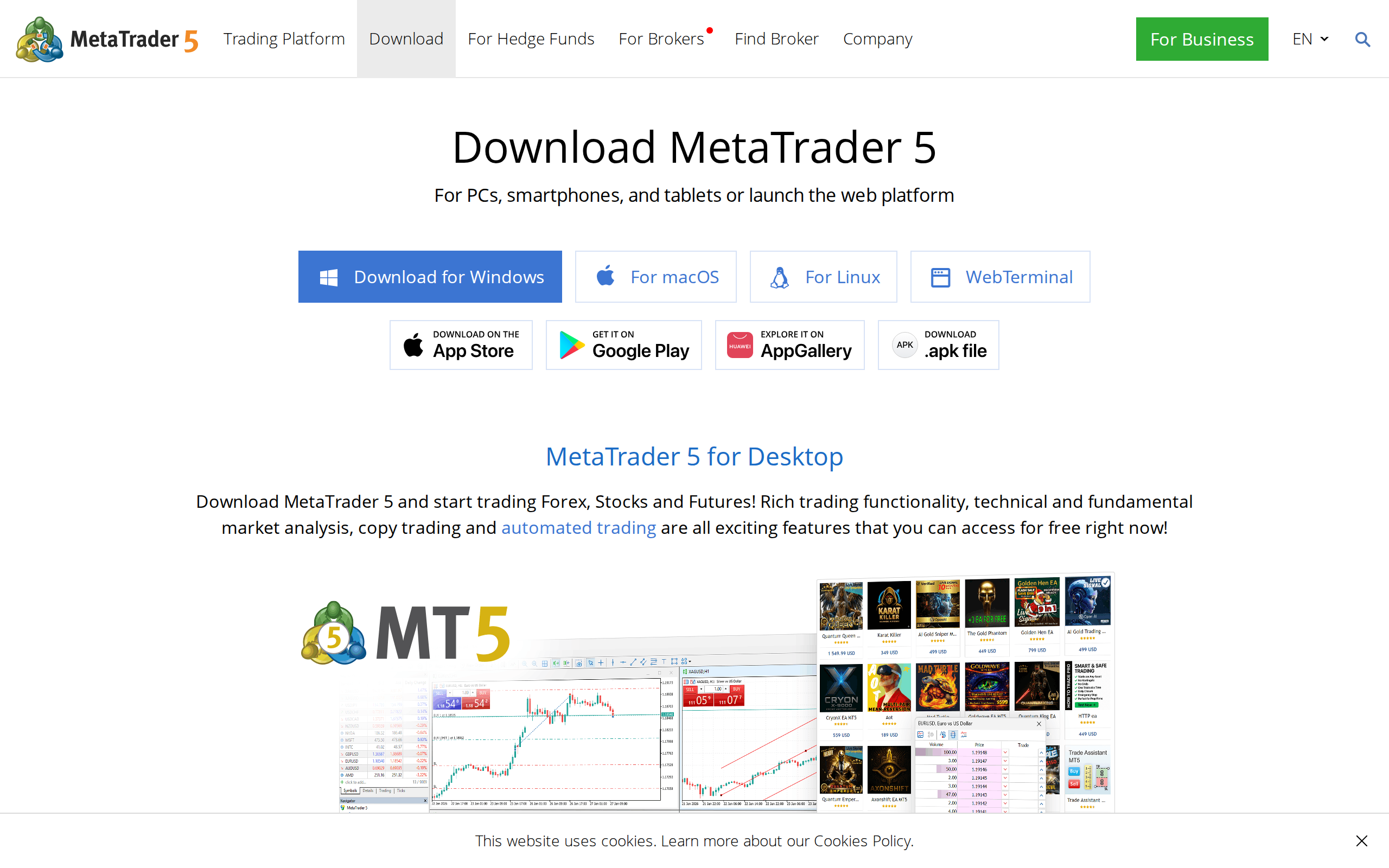
The download page. Brokers usually ship a branded build, so use the one your broker links to.
Use the broker's branded build, not the generic installer, because it comes pre-loaded with the right server list.
Who should switch, and who should not
Switch if you trade by hand, trade several asset classes, want a real depth of market, or backtest seriously. Switch too if you are choosing a broker today, since MT5 is where the newer servers live.
Stay on MT4 if your edge is a set of MQL4 robots that pay for themselves, or if your broker's MT5 server is netting-only and you scale in and out with separate tickets. Running both side by side for a month costs nothing.
Leveraged trading carries a real risk of loss, and this review describes software, not a recommendation to trade. Nothing here is personal advice.
Verdict
MT5 wins on features and on future support, and it loses only on legacy. We score it 8.0 out of 10, held back by the migration cost and by the hedging lottery that comes with each broker.